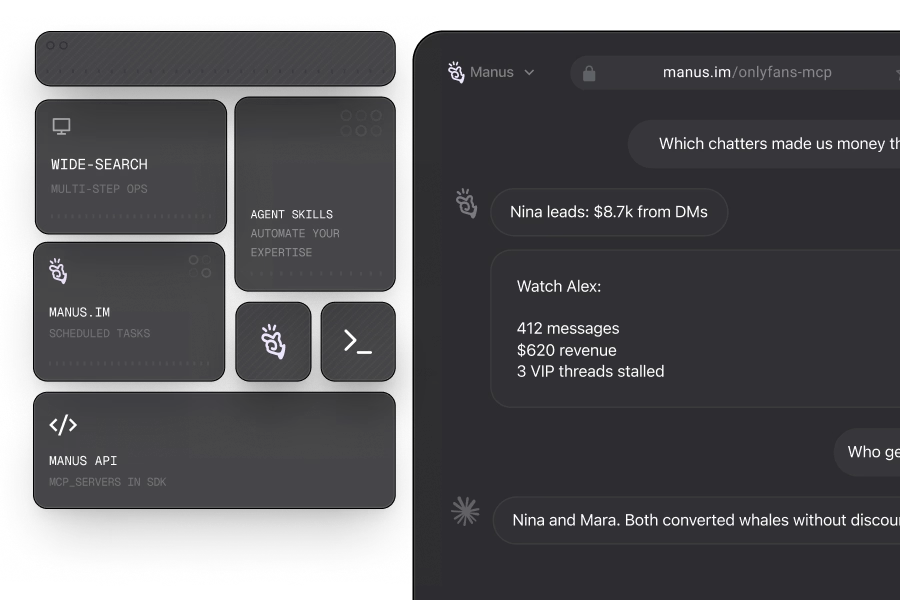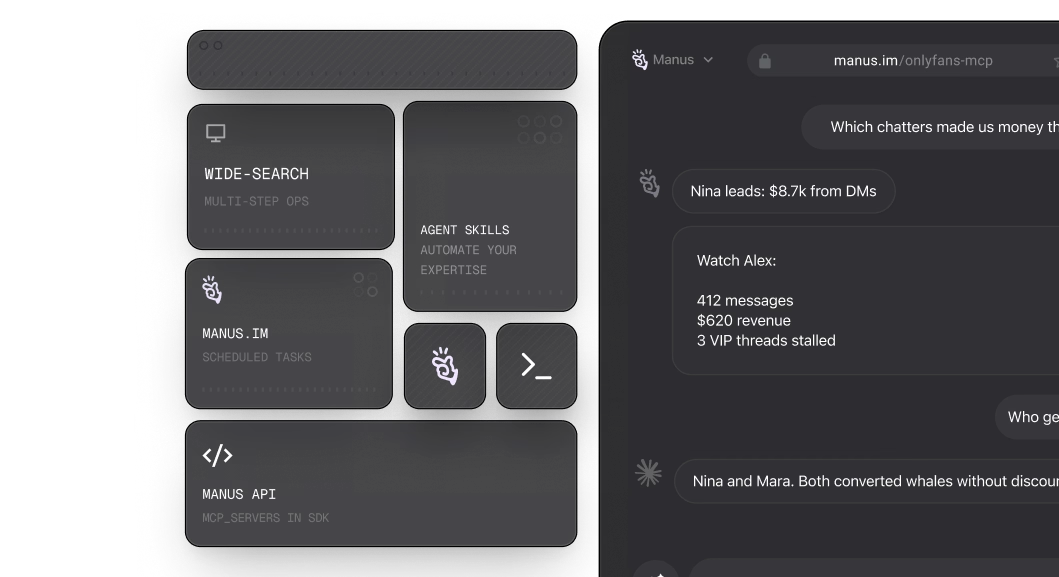

What you need first
Grab an OnlyFansAPI key and a Manus account — both take under a minute.
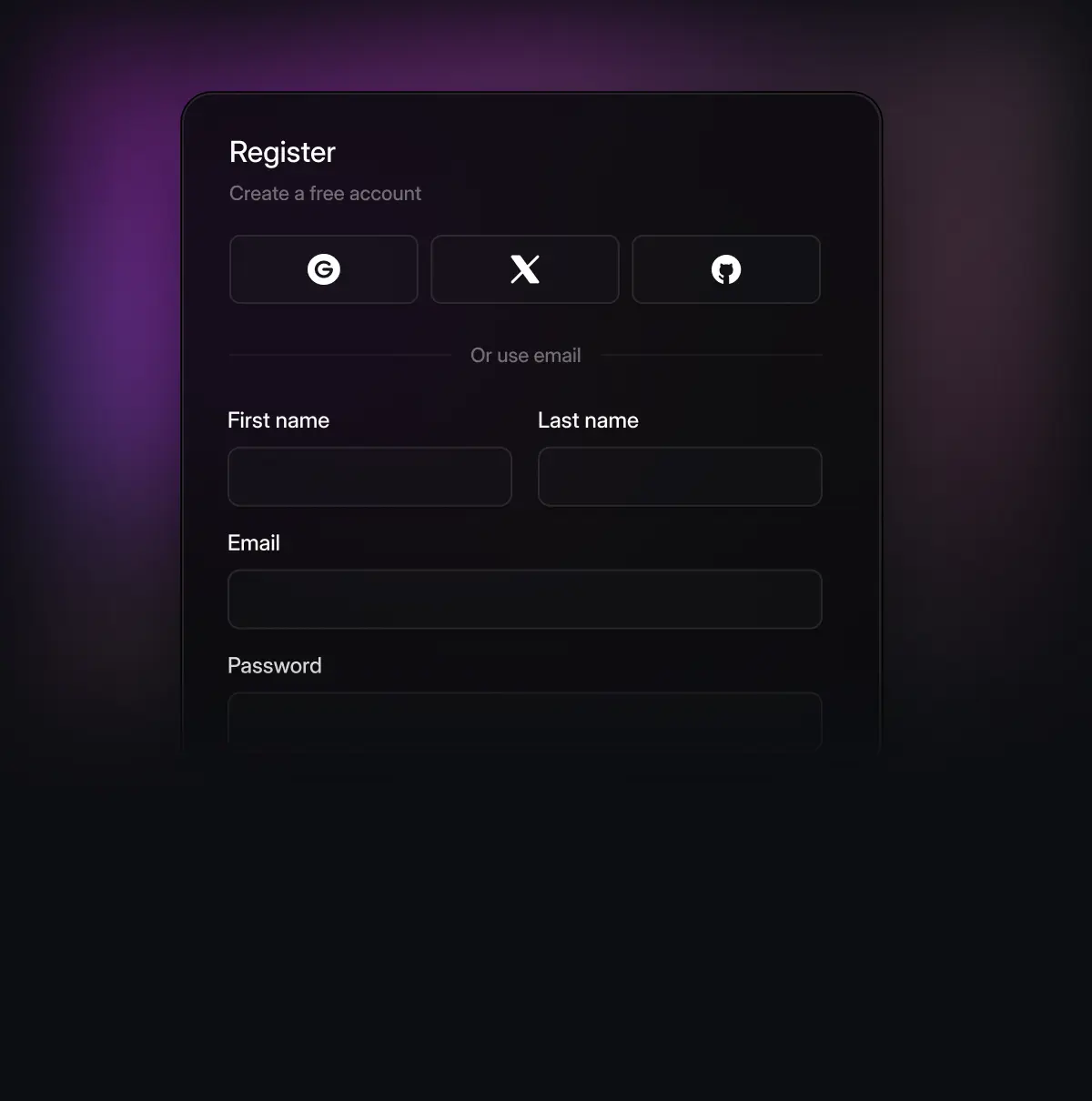
Create OnlyFansAPI account
Free to create. No credit card required to start testing the platform right away.
[https://app.fansapi.com/register]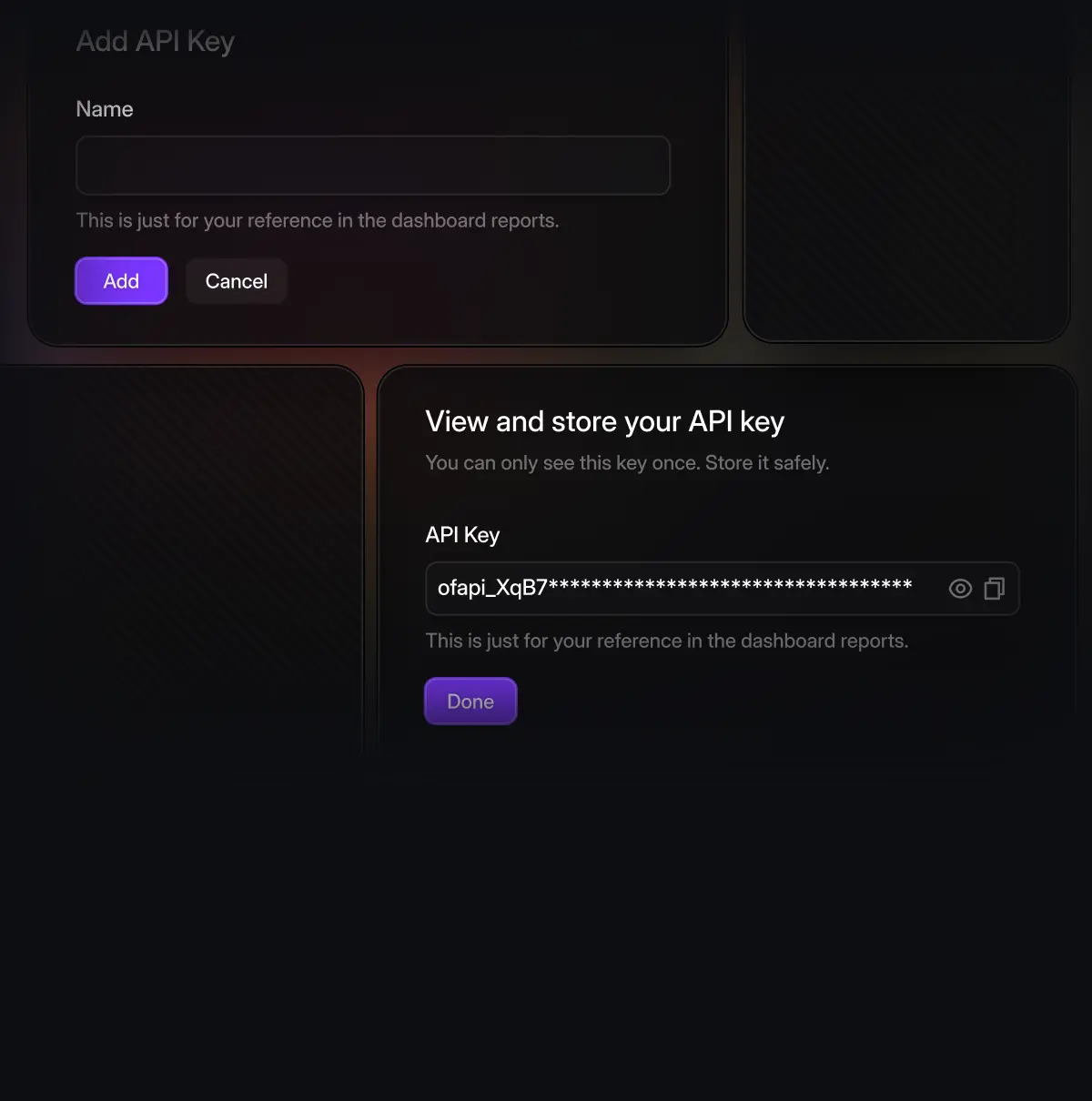
API key
Generate a key in your dashboard. Authenticates every Manus call.
[https://app.fansapi.com/api-keys]
Manus workspace
A Manus account with custom-MCP integration support enabled.
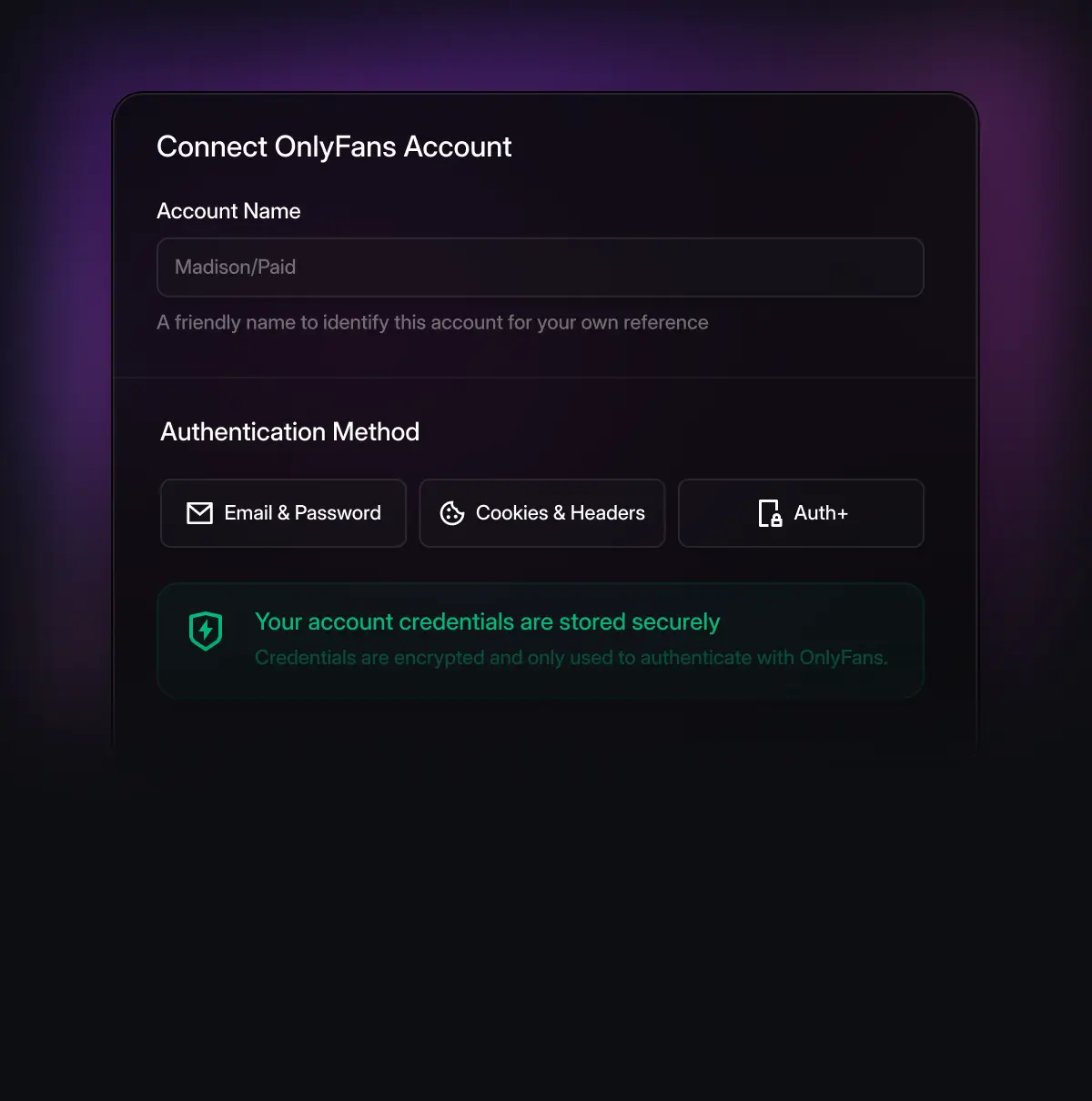
At least one connected creator
Add OnlyFans accounts from your dashboard so Manus has data to work with.
How to connect Manus to OnlyFans MCP
Follow these steps to connect Manus to the OnlyFans MCP server.
- 01
In Manus, open Settings → Connectors → Add Connector → Custom MCP → Add Custom MCP → Direct Configuration. That opens the MCP configuration modal where you add a custom HTTP MCP.
- 02
Set Transport Type to HTTP. Give the connector a Server Name (for example OnlyFansAPI). Paste your OnlyFansAPI endpoint into Server URL:
MCP server URL
https://app.fansapi.com/mcp/onlyfans-mcp - 03
Optionally use Note to tell Manus how and when to use this MCP (for example: revenue, fans, messaging). Click Save. Your agent can now call the tools exposed by this server.


3 production-ready agent recipes
Drop these into Manus as scheduled agents. Each one runs end-to-end — no human, no chatter, no morning standup ritual. Adjust cadences and creator scopes to fit your roster.
Daily revenue digest
Whale Watch
Churn rescue
Yes — that’s the point. Manus agents run on schedules and triggers without you sitting at a keyboard. Most agencies kick off their daily revenue digest, churn rescue, and whale watch as overnight runs.
OnlyFans MCP for Other AI Platforms
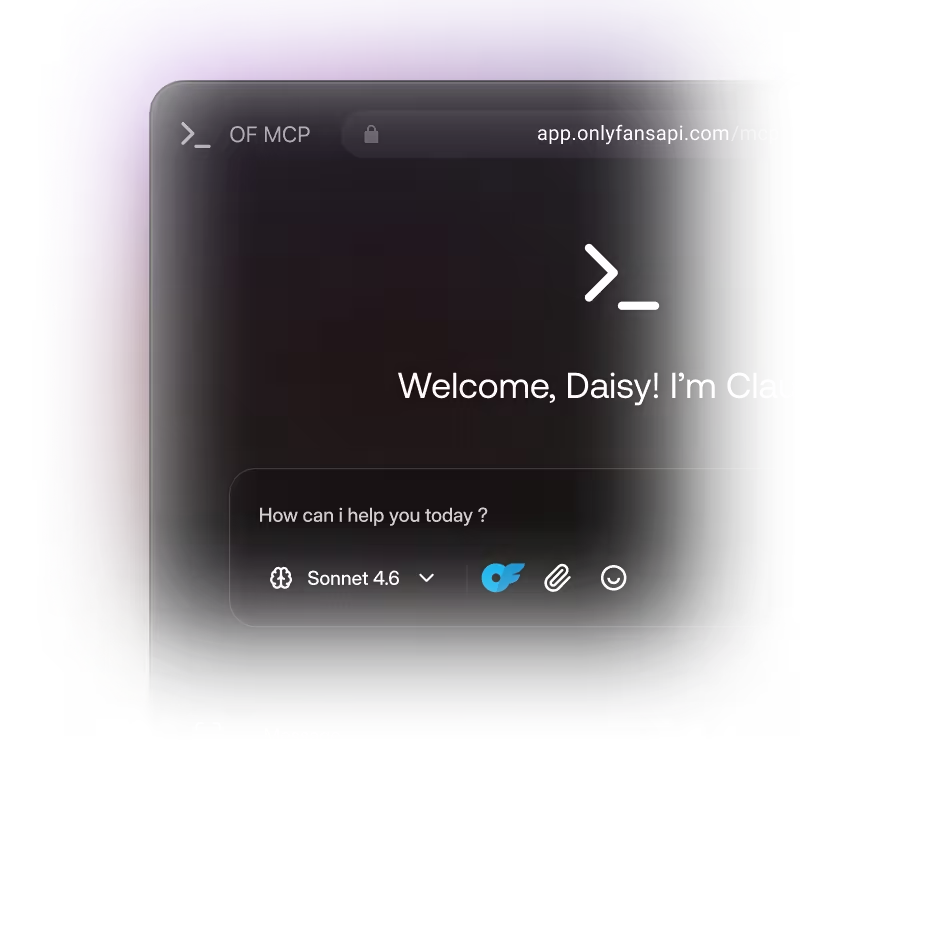

OnlyFansAPI MCP overview
What the MCP server is, how it works, and every supported AI client.
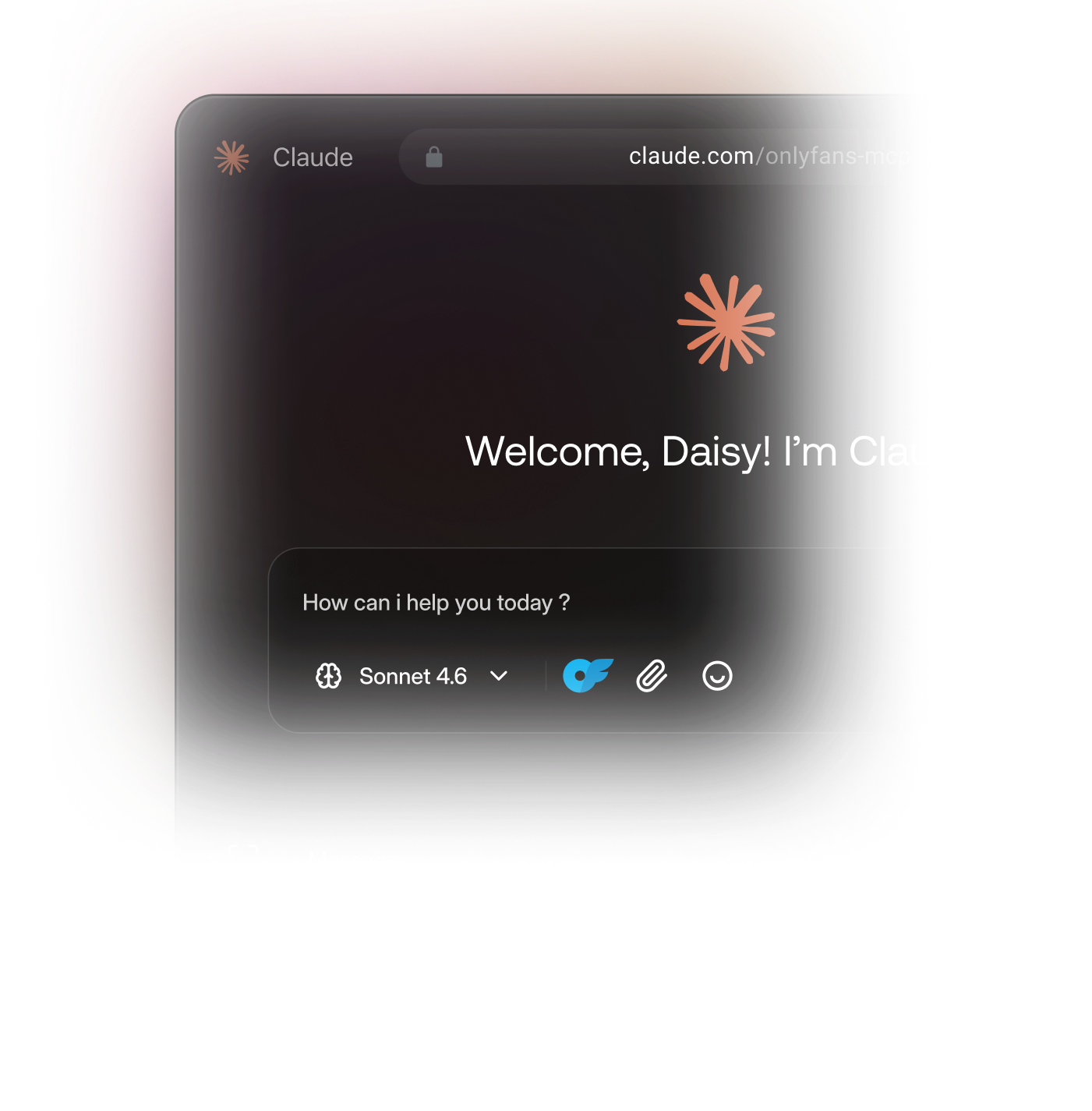

Claude × OnlyFansAPI MCP
Run Claude Desktop, Web, Code, or the Anthropic API on your OnlyFans accounts.

ChatGPT × OnlyFansAPI MCP
Build Custom GPTs and run Agent Mode on your OnlyFans accounts.