- 10k+
OnlyFans accounts protected
- 0
accounts banned in 5+ years
- 99.98%
uptime your automations never wait
- 1:1
account-to-IP ratio no sharing, ever
Bans Don’t Start With Content. They Start With IPs.
OnlyFans flags shared IPs, datacenter ranges, and locations that jump around the map. A proxy is what keeps every account you run looking like one real person in one real place — and with OnlyFansAPI, every account already has one.
- One Private IP Per Account
- Routing Tuned for OnlyFans, Not Generic Traffic
- US & UK Carrier IPs — Locations Stay Consistent
Proxy sellers sell you an IP. We run your infrastructure.
Traditional proxy providers sell raw IPs and leave session stability, fingerprinting, and account safety to you. OnlyFansAPI manages the entire mobile proxy pipeline automatically with zero config required.
Built by the platform, not a reseller
We operate the API infrastructure your accounts run on, so the proxy is not an add-on you bolt together — it is the ground your accounts stand on.
One account, one IP — for life
Each connected account keeps the same private mobile IP for the lifetime of the connection. No pools, no rotation surprises, no stranger burning the IP you depend on.
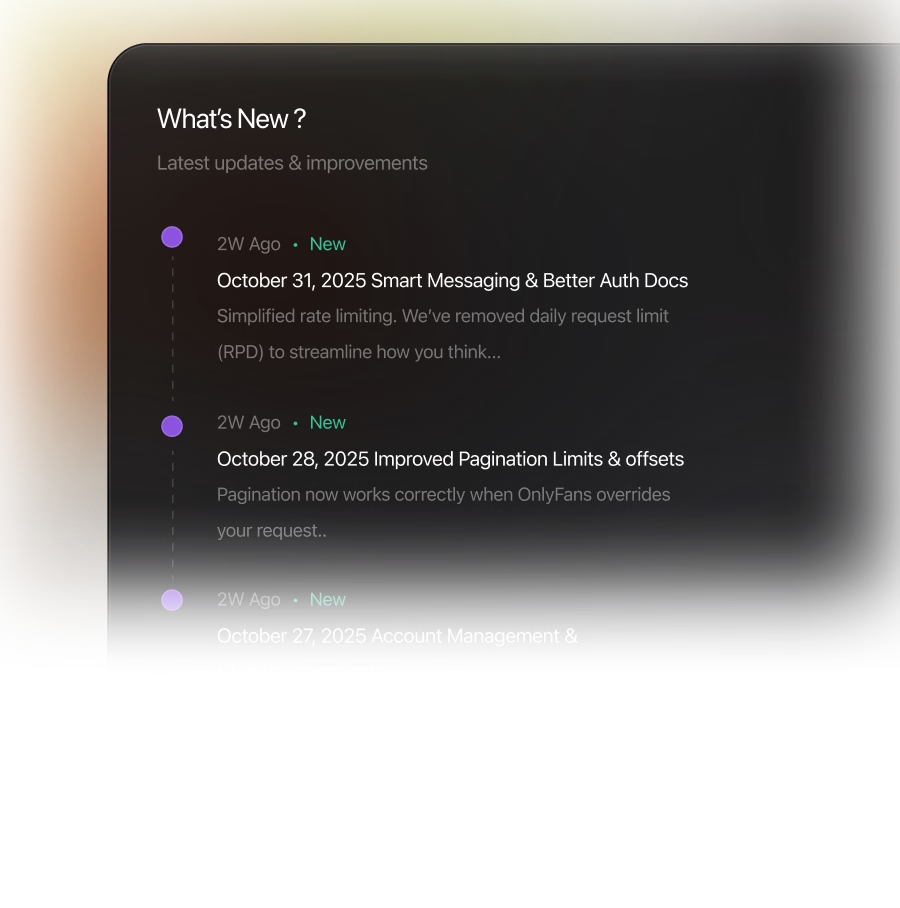
Routing built for OnlyFans
Request pacing and session handling are tuned to how OnlyFans actually behaves. A general-purpose proxy treats OnlyFans like any other website — ours never does.
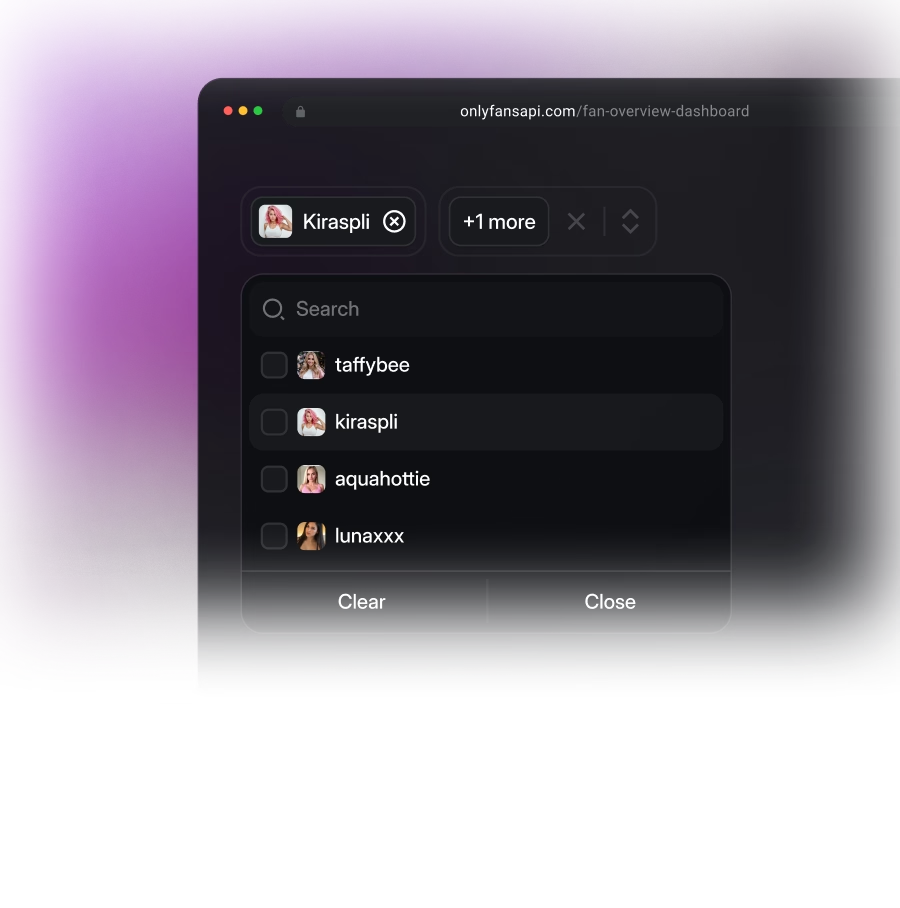
Scale without slowing down
Onboard 5 or 500 creators at once: every new account is instantly assigned its own clean US or UK carrier IP, and its location stays consistent from day one.
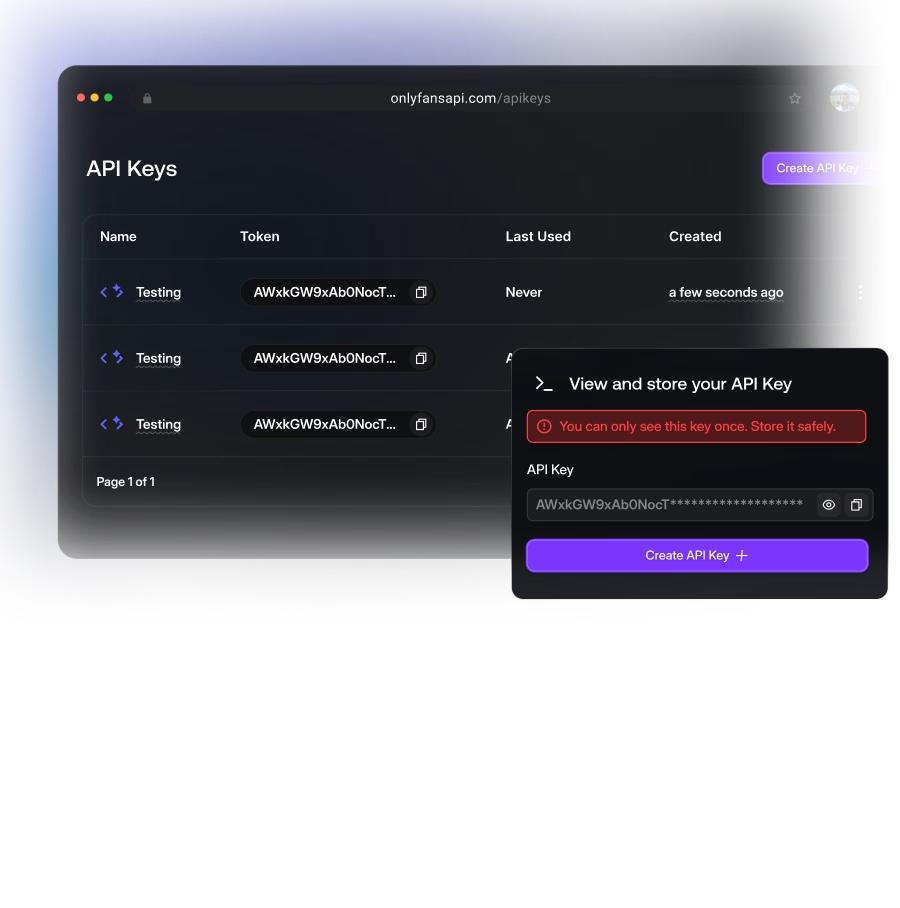
Keep full control with BYOP
Trust your own proxies? Attach your HTTP or SOCKS5 proxy to any account and we route through yours instead — mix and match per account.
Set Up Your OnlyFans Proxy in Zero Steps
Here is the entire setup guide: there isn’t one. By the time an account is connected, its proxy is already working.
- [01]
Connect Account
Link a creator account via dashboard or API
- [02]
IP Attaches Itself
A clean IP pairs with the account
- [03]
Everything Routes
Every call that account makes flows through it
- [04]
Or Bring Your Own
Prefer your own proxy? Attach it per account
OnlyFansAPI vs. Generic ProxyDo It Yourself
Stack up what each path really costs — in money, hours, and banned accounts.
ONLYFANS API BUILT-IN | Generic Proxy Provider | DIY Proxy Setup | |
|---|---|---|---|
Setup time | Zero — automatic on account connect | Hours: buy, map, configure profiles | Days: source IPs, build rotation, test |
Account safety | Platform-run, OnlyFans-tuned routing | Unknown IP history, shared pools | Depends entirely on your own setup |
Dedicated IPs | Every account, by default | Usually shared or rotating pools | Only if you pay per dedicated IP |
Multi-account management | Native — proxy follows the account | Manual mapping of proxies to accounts | Manual, one browser profile per account |
Anti-detect browsers needed | Never — routing is handled server-side | Yes, one profile per account | Yes, plus session management |
Ongoing maintenance | None — we monitor and rotate for you | You replace dead or flagged IPs | You monitor, rotate, and rebuild |
Monthly cost | $0 extra — included in every plan | $10–50+ per proxy, on top of your tools | IP costs + infrastructure + your hours |
Mobile proxies are the safest, followed by residential. Mobile IPs belong to real carrier networks shared by thousands of legitimate users, which makes them very hard to flag. Datacenter proxies are the worst choice — those ranges are easy to identify and block.