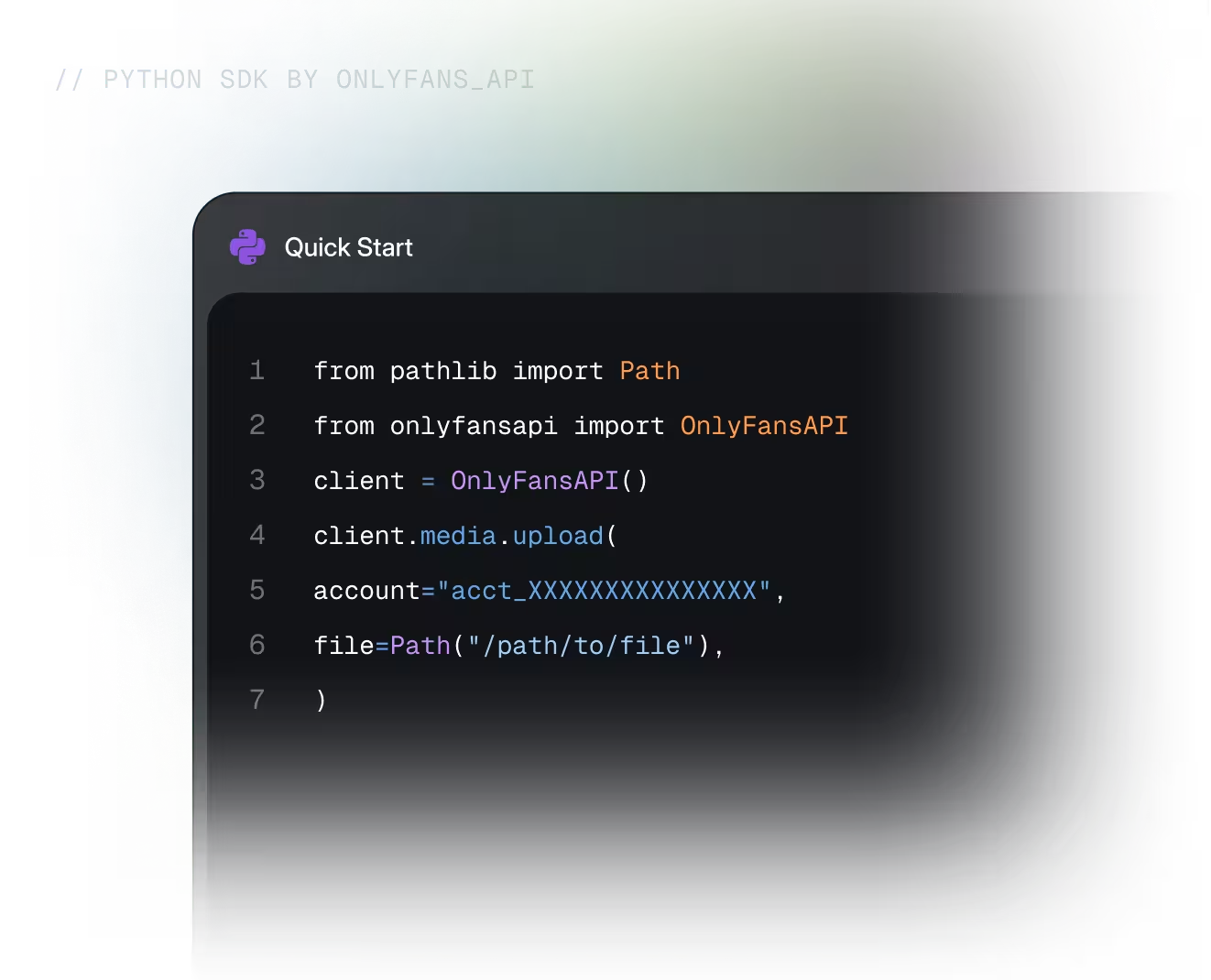
Link stats, chats, messages, media
from onlyfansapi import OnlyFansAPI

client = OnlyFansAPI()

stats = client.tracking_links.get_stats(
    "tracking_link_id",
    account="acct_XXXXXXXXXXXXX",
)

summary = stats.data.summary
arps = summary.revenue_total / max(summary.subs_total, 1)
print(f"Clicks: {summary.clicks_total} · Subs: {summary.subs_total}")
print(f"ARPS: ${arps:.2f} · Lifetime: ${summary.revenue_total:.2f}")

# Output:
# Clicks: 1240 · Subs: 300
# ARPS: $12.40 · Lifetime: $3720.00from onlyfansapi import OnlyFansAPI
client = OnlyFansAPI()
spenders = client.tracking_links.list_spenders(
"tracking_link_id",
account="acct_XXXXXXXXXXXXX",
min_spend=10,
limit=50,
)
for fan in spenders.data:
print(f"@{fan.username} spent ${fan.revenue.total:.2f}")
# Output:
# @sarah_k spent $189.00from onlyfansapi import OnlyFansAPI
client = OnlyFansAPI()
chats = client.chats.list(
"acct_XXXXXXXXXXXXX",
filter="unread",
limit="20",
)
for chat in chats.data:
unread = chat.unread_messages_count
print(f"@{chat.fan.username} ({unread} unread): {chat.last_message.text}")
# Output:
# @sarah_k (3 unread): Hey, are you around?from onlyfansapi import OnlyFansAPI
client = OnlyFansAPI()
messages = client.chats.messages.list(
"chat_id",
account="acct_XXXXXXXXXXXXX",
limit="25",
order="desc",
)
for message in messages.data:
print(f"[{message.created_at}] {message.text}")
next_page = messages.api_pagination.next_page
# Output:
# [2026-09-04T18:22:41+00:00] Just posted something new for you 💜from onlyfansapi import OnlyFansAPI
client = OnlyFansAPI()
sent = client.chats.messages.send(
"chat_id",
account="acct_XXXXXXXXXXXXX",
text="Hey! Here is something new for you",
media_files=["ofapi_media_XXXXXXXXXXXXX"],
price=10,
)
print(f"Message sent #{sent.data.id}")
# Output:
# Message sent #6182934517from onlyfansapi import OnlyFansAPI
client = OnlyFansAPI()
cdn_url = "https://cdn2.onlyfans.com/files/.../photo.jpg"
with client.media.with_streaming_response.download(
cdn_url,
account="acct_XXXXXXXXXXXXX",
) as response:
with open("photo.jpg", "wb") as file:
for chunk in response.iter_bytes():
file.write(chunk)
# Output:
# photo.jpg written (1.8 MB)Made for modern
Python applications
From a quick script to a high-concurrency service, the client scales with you.
Sync and async
Use OnlyFans API for synchronous work or Async OnlyFans API with await.
Typed models
TypedDict requests and Pydantic responses bring autocomplete to every call.
Flexible uploads
Upload bytes, PathLike values, or filename and media-type tuples.


Turn API access into useful creator tools
Use one consistent client across dashboards, internal operations, and automated workflows.
Analytics Dashboards
Bring account and performance data into reporting experiences your team can act on.
Media Workflows
Build upload flows around familiar file, stream, and byte-based objects.
Internal Automation
Build upload flows around familiar file, stream, and byte-based objects.
Multi-account tools
Create focused interfaces for teams working across multiple connected accounts.
Reporting Pipelines
Move structured API responses into warehouses, spreadsheets, and custom reports.
Custom integrations
Extend the typed client with custom requests when your product needs more flexibility.
Everything you need
for the next step
Move from the quick start to complete endpoint details and source code.
Python SDK docs
Installation, configuration, examples, and language-specific guidance.
API reference
Explore endpoints, parameters, response schemas, and error details.
Source on GitHub
Review the SDK source, releases, examples, and contribution guide.